
NICKE STUDIO / ChatGPT in practice
ChatGPT's new features: what changes for creative and technical work · Nordics
ChatGPT's new features: verified updates, a comparison of Chat, Work, Codex and Dots, creative examples and practical next steps. Nordics.

ChatGPT
Original ChatGPT logo. Source: OpenAI.
Read in another language ↗
ChatGPT now covers several ways of working, from a quick conversation to a project with files, tools and ongoing tasks. For a creative professional, the useful question is which experience fits the job and what still needs review. This guide separates October 2026 announcements from established capabilities, using official information checked on 29 October 2026.
What actually changed in October 2026
OpenAI's 26–30 October update introduced GPT-6.1 Terra in Work and Codex for Plus, Pro, Business, Enterprise and Edu. This availability concerns those workspaces, rather than regular Chat. Its visual reasoning and computer use can help with tasks involving interfaces, subject to permissions and workspace availability.
The 5–9 October update announced Sol Ultrafast for Pro $500 and eligible Enterprise and Edu accounts. Enterprise access requires an administrator to enable it. A paid account alone does not establish eligibility. That week also brought mobile creation of Dots, which support ongoing work with review.
The late-October text-to-Dot beta through iMessage or RCS is limited to Pro users in the United States. It should not be presented as available to every country. The official update index is the reference for changes and rollout details, including availability that may differ between accounts.
Chat, Work, Codex and Dots serve different jobs
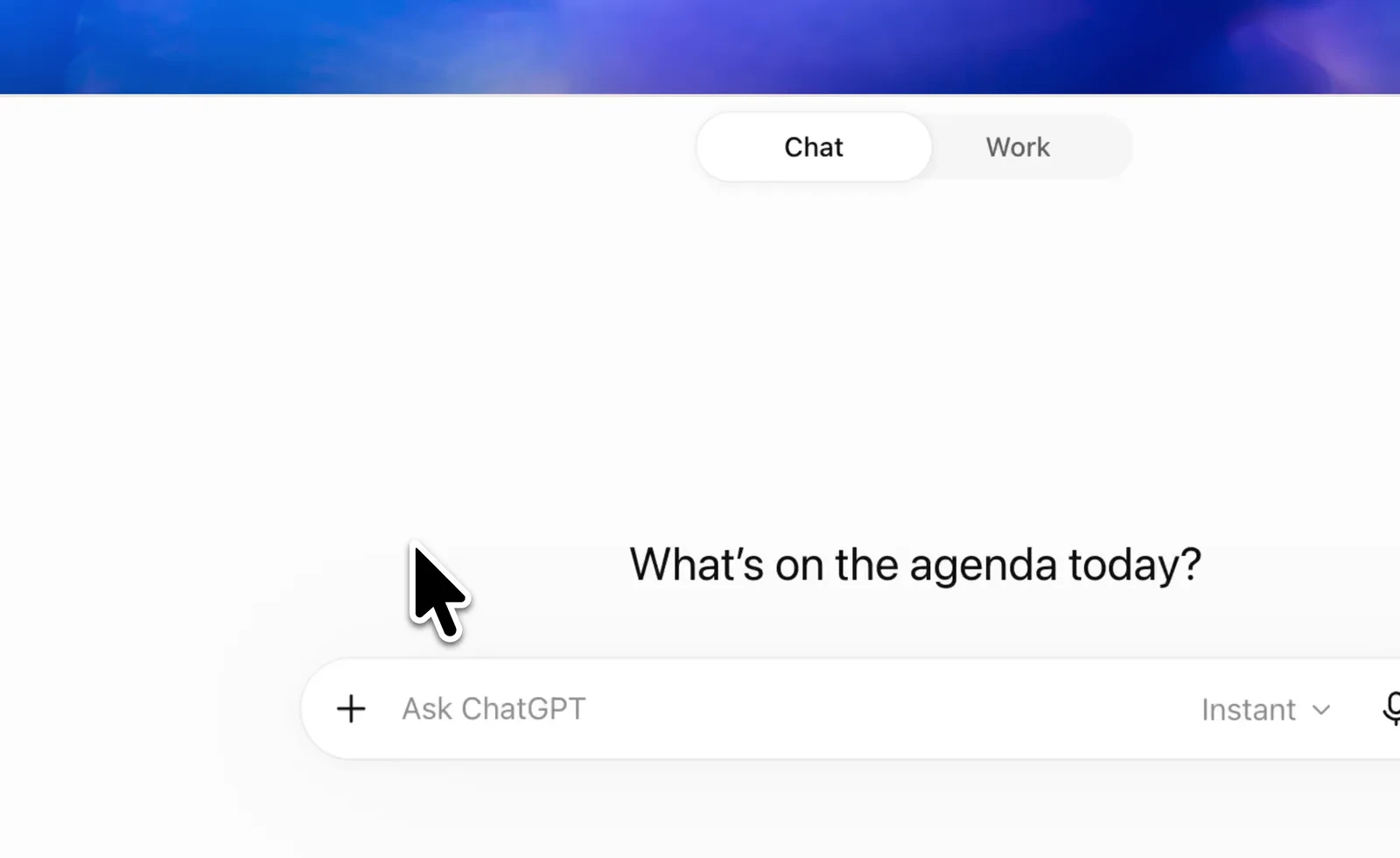
These experiences overlap, but their purpose helps determine where to start. The guide to Work explains the workspace for tasks involving artifacts and tools. The September-to-October update also provides context for the current product experience.
| Experience | Practical starting point | What I would review |
|---|---|---|
| Chat | Discuss a brief or explore an idea | Sources, assumptions and wording |
| Work | Develop a deliverable with files and tools | Content, layout and final action |
| Codex | Investigate or change a software project | Code changes and meaningful checks |
| Dots | Continue an agreed task over time | Scope, progress and approval points |
My web and AI services connect several activities. Access to each capability depends on the account and workspace.
Projects preserve useful context
Projects group instructions, sources and related work. For a campaign, I would establish the audience, offer, brand vocabulary and approved references before requesting drafts. A shared context can reduce repeated explanations and make later revisions more coherent.
That context needs curation. A source may become outdated, a brief may change, and a previous draft may contain an assumption that was never approved. A Project does not automatically grant access to folders on my computer. Files and connections must be available through the relevant supported access route.
A useful starting set includes:
- One current brief with audience, purpose and deliverables.
- Brand references and source material with a clear owner.
- A review checklist that names who approves the final work.
My portfolio and professional background explain the creative and technical judgment I bring to those decisions.
Pages and Slides turn a discussion into a deliverable
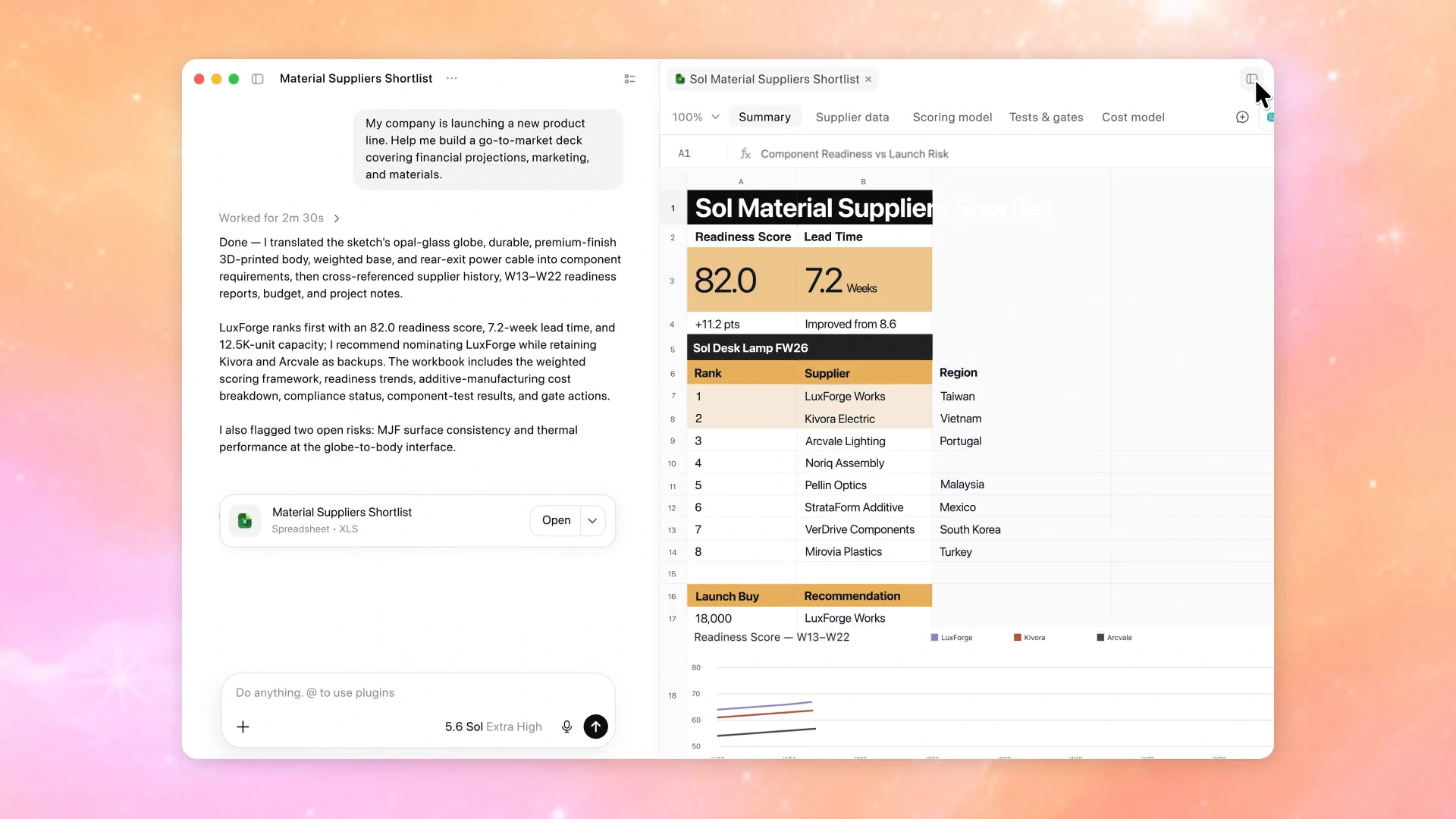
In an enabled Space, Pages and Slides support editable work and collaboration. They are current capabilities; this article does not assign them an unverified October launch date. Depending on the artifact, the web experience supports outputs such as PPTX, PDF or Google Slides.
Mobile can help create and view work, while direct, detailed editing is centred on the web and desktop experience. Before promising a workflow to a client, I would check that the Space is enabled and confirm what the selected device can do.
For an audiovisual proposal, a useful page needs an understandable offer and a slide deck needs a convincing sequence. My AI agency guide explores that wider relationship between tools, deliverables and responsibility.
Nicke Studio editorial note: A polished artifact becomes useful when its claims, structure and next action are clear enough for another person to review.
Tools need connections and a concrete purpose
Plugins connect supported services and capabilities through the necessary connections and permissions. Naming an app in a request does not prove that its data is available. I would first identify the relevant source, confirm access and specify the action expected from it.
Voice also benefits from a clear purpose. Live voice interaction is different from dictation, which turns speech into input text. For a UGC brief, speaking can help explore a concept; a written deliverable still needs an explicit audience, offer and approval standard.
Interactive visualizations can help compare scenarios. Availability varies by account and platform; CLI and IDE surfaces cannot render them.
| Function | Practical task | Review before delivery |
|---|---|---|
| Projects | Maintain a campaign brief | Current sources and instructions |
| Pages and Slides | Prepare a proposal | Claims, hierarchy and export |
| Plugins | Bring in approved service data | Connection and action permissions |
| Voice | Explore a UGC concept aloud | Accurate wording and written brief |
| Dots | Continue a defined workstream | Boundaries, progress and handover |
| Visualizations | Compare campaign scenarios | Inputs and supported surface |
The blog connects these workflows with content, design and web work. Keep the task’s sources and decisions understandable.
Dots need boundaries and review
The 9 October Dots update describes a way to keep work moving beyond a single conversation. Ongoing work benefits from a precise goal, relevant context and checkpoints. Dots should be understood as work that remains reviewable, rather than unlimited authority over a project.
Scheduled actions also need an explicitly configured task and an appropriate schedule. Describing a useful recurring check in an article does not create one. Agree on the pages and report format before scheduling a content review.
Before starting ongoing work, I would define:
- The desired result and the sources it may use.
- The actions that need human review.
- A clear stopping condition and a way to assess progress.
My automation article explores ownership of recurring processes.
A practical approach for Nicke Studio
I am Nickenson Hurtado, working from Caracas across creative and technical projects. For UGC, SEO and design, my priority is to connect a clear idea to a result I can evaluate. I would assess a new feature on a bounded task before making it part of a client commitment.
- Write a short brief and an acceptance criterion.
- Choose the relevant experience and confirm access.
- Produce a first version with traceable sources.
- Review the output, revise it and agree on the final action.
My Gemini and Antigravity article offers another perspective on AI-assisted work. The article about AI and critical thinking examines why active judgment matters alongside faster production. Neither a feature announcement nor a model name can replace that evaluation.
What would make these features worthwhile?
I would measure the quality of the finished deliverable, the review it requires and the understanding retained for the next project. A faster response is helpful when the overall workflow improves.
Nicke Studio editorial note: Keep responsibility visible throughout the workflow, especially when an agent can continue working or act through connected tools.
For a business exploring these possibilities, one useful, well-defined project is a sensible starting point. Tell me what you need to build, the audience it should serve and how you will recognize a successful result.